

Do Live Chat Widgets Require Cookie Consent?
October 15, 2026
•

7 min read
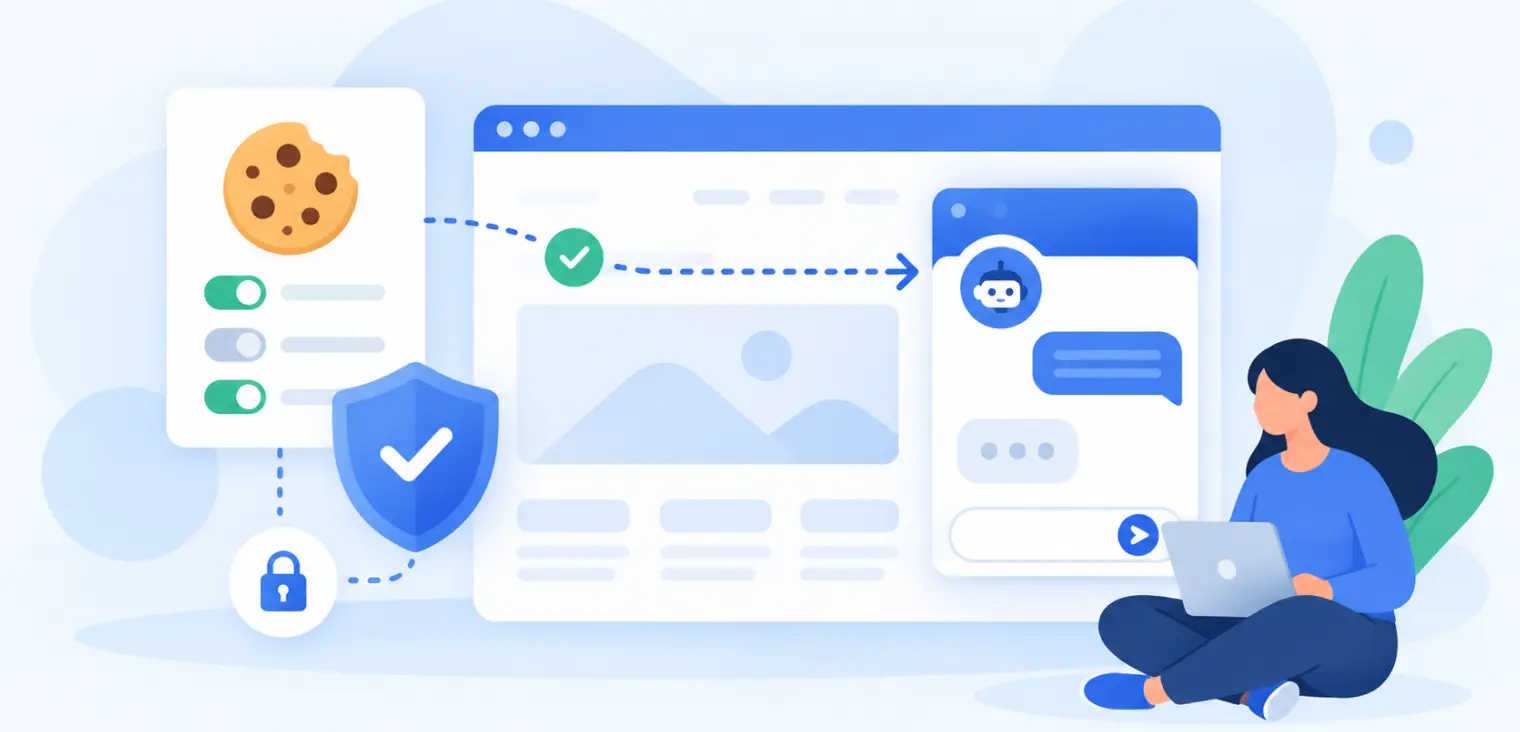
Table of contents
back
to the top
Do Live Chat Widgets Require Cookie Consent?
Live chat helps visitors get support without leaving a website.
But tools such as Intercom, Zendesk, HubSpot chat and other customer messaging widgets can also set cookies, store identifiers, record browsing activity and connect conversations with customer profiles.
Do live chat widgets require cookie consent? Often, yes, especially when they track visitors before a conversation starts or use data for marketing and analytics. However, some storage that is genuinely necessary to provide a chat service the visitor has requested may qualify for a consent exception.
The answer depends on the widget's purpose and configuration.
Why live chat creates cookie questions
A live chat widget is rarely just a text box. It may contain code for identifying returning visitors, remembering conversations, routing messages, measuring engagement, connecting CRM records and showing proactive prompts.
A widget may use:
- Cookies that recognise a browser between visits
- Local storage that preserves a conversation
- Session identifiers for message delivery
- Page-view tracking and referral information
- Device and browser details
- CRM identifiers and email addresses
- Analytics about agent performance or conversions
- Automated marketing messages and segmentation
Maintaining an active support conversation differs from tracking visitors to build sales audiences.
Categorising an entire provider without examining its configuration can be misleading.
What UK cookie rules say about live chat
Under the UK's Privacy and Electronic Communications Regulations (PECR), storing or accessing information on a user's device generally requires consent unless a specific exception applies.
The Information Commissioner's Office explains these exceptions in its guidance on storage and access technologies.
One important exception concerns storage or access that is strictly necessary to provide an online service explicitly requested by the user.
For example, if someone clicks “Start chat,” a short-lived identifier that keeps their messages connected during that conversation may be necessary for the requested service. That is a different case from placing a persistent marketing identifier on every visitor before anyone opens the widget.
Assess each storage activity, not the vendor name.
When a live chat widget may not need consent
Some chat functionality can be essential to delivering a service the user has actively requested.
Consider a customer who opens a support chat and expects the conversation to continue as they navigate between pages. A session cookie necessary to preserve that conversation may qualify for an exception, provided its use is limited to that purpose.
Even in these cases, do not assume the whole widget is exempt. Extra analytics, advertising integrations and cross-session profiling might not be necessary to deliver the conversation.
Document why each exempt cookie is needed.
When live chat does need cookie consent
Consent is more likely to be needed when the widget uses storage or device access for activities beyond the visitor's requested conversation.
Common examples include:
- Tracking visitors across multiple pages before chat begins
- Recognising returning visitors for lead scoring
- Building remarketing or advertising audiences
- Measuring marketing attribution through identifiers
- Recording browsing behaviour for sales segmentation
- Running optional session analytics
- Triggering personalised marketing prompts based on earlier visits
For these activities, the fact that the technology belongs to a support platform does not make it strictly necessary.
What popular chat providers actually store
Vendor documentation is useful when examining real configurations.
Intercom's Messenger cookie documentation describes cookies and browser storage used by its Messenger, including visitor identifiers and conversation-related information. Intercom also provides guidance on installing its Messenger and controlling when it starts.
A widget used for requested support differs from one configured for lead generation.
The same principle applies to Zendesk, HubSpot chat, Tidio, Crisp and other messaging platforms. Review the provider's current cookie documentation, identify each feature enabled and observe the actual browser behaviour.
Should live chat load before the cookie banner is accepted?
That depends on how it is implemented.
There are three common models:
1. The full widget loads immediately
The script runs on page load and may create identifiers before the visitor interacts with chat. If it performs non-exempt storage or access, that activity normally needs consent first.
2. A simple chat button appears first
The website displays a button without loading the full third-party widget. When the visitor clicks it, the chat service starts. This can reduce unnecessary background tracking, although clicking the button does not automatically authorise unrelated marketing purposes.
3. The widget is controlled by your CMP
Your Consent Management Platform determines whether optional scripts can run. Necessary conversation functions may be separated from analytics or marketing functions where the provider supports that distinction.
Choose an approach matching the purposes and available controls.
How to categorise live chat cookies
Cookie categories should describe what the technology does.
| Chat function | Possible treatment | |---|---| | Maintaining an active conversation requested by the visitor | May qualify as strictly necessary | | Authentication or essential security for the chat | May qualify as strictly necessary | | Optional chat usage analytics | Usually analytics consent | | Visitor profiling for sales | Usually marketing consent | | Retargeting based on chat activity | Marketing consent | | Remembering optional chat preferences | Assess preferences and necessity |
These are not automatic legal classifications.
How to test a live chat widget
- Open the website in a fresh private window.
- Inspect cookies, browser storage and network requests before making a consent choice.
- Check whether the chat widget has already loaded or assigned an identifier.
- Reject optional cookies and repeat the inspection.
- Open the chat and check which additional storage appears.
- Navigate to another page and confirm whether the active conversation continues.
- Revisit after closing the browser to see whether identifiers persist.
- Test consent withdrawal and any connected analytics or advertising integrations.
The ICO's guidance on managing consent explains why non-exempt technologies must not operate before consent.
Record each cookie's purpose, provider and duration. A scanner cannot decide whether an exception applies.
GDPR still applies to chat conversations
Cookie consent is only part of the picture.
Live chat conversations may contain names, email addresses, account details, purchase references and messages about personal circumstances. These can be personal data under GDPR even where no optional cookie is set.
Review your lawful basis for processing, retention periods, access controls, processor arrangements, international transfers and privacy notice.
Do not automatically add every chat contact to email marketing. Asking for support is not the same as requesting promotional messages.
How CookiePal can help
A CMP such as CookiePal can help businesses manage cookie categories and visitor choices. Its consent management page describes scanning, banners and cookie auto-blocking.
For websites with live chat, the objective is to control genuinely optional tracking without unnecessarily breaking a requested support service.
The CookiePal features page covers scanning and consent management functionality, while CookiePal pricing provides options for different website needs.
Common mistakes to avoid
Marking every chat cookie as necessary. Some are used for marketing, analytics or cross-visit identification.
Blocking support completely without testing. A visitor may need chat to resolve an urgent order or account issue. Consider an interaction-based approach if appropriate.
Assuming a chat button means consent. Starting a conversation does not automatically authorise advertising profiling.
Ignoring third-party integrations. A chat provider may connect with CRM, analytics, advertising or automation tools that have separate data flows.
Forgetting mobile and subdomains. The widget may behave differently on an app portal, checkout or mobile website.
Live chat cookie consent checklist
Before launching, verify:
- Which cookies and browser storage the widget uses
- Whether it tracks visitors before chat starts
- Which purposes are essential to a requested conversation
- Which purposes involve analytics or marketing
- Whether consent controls optional tracking
- Whether rejecting cookies still allows necessary support
- Whether chat data flows to CRM or advertising systems
- Whether visitors can change preferences
- Whether the privacy and cookie policies explain the setup
- Whether the widget was tested on every relevant page
Conclusion
Live chat widgets do not all require the same cookie consent treatment. Storage genuinely needed to deliver a conversation a visitor requests may be exempt, while optional analytics, profiling and marketing tracking generally require consent where the rules apply.
The best approach is to separate support from tracking, inspect the actual cookies, assess each purpose and test your CMP carefully.
Explore further
Does reCAPTCHA Require Cookie Consent?
reCAPTCHA can be exempt as necessary security, but not every setup is. Learn how to assess your reCAPTCHA version, audit its cookies and keep forms working when visitors say no.
October 15, 2026
7 min

Shopify Customer Events, Pixels and Cookie Consent
Shopify pixels still collect and send customer data, so they still need consent. Learn how app pixels, custom pixels and the Customer Privacy API should work with your CMP.
October 8, 2026
7 min
WordPress Cookie Consent: Which Plugins and Scripts Need Blocking?
A WordPress banner is not enough if plugins load trackers before consent. Learn which analytics, ad, chat and embed scripts need blocking and how to audit your full stack.
October 8, 2026
7 min