

Agencies
Onboard and manage your clients from the agency dashboard.
Create Your Agency Account
Sign up for the CookiePal agency programme and confirm your email.
Table of contents
back
to the top
The agency dashboard lets you onboard your clients, set up their cookie banners and keep an eye on their compliance from one place. This guide takes you through creating your agency account.
Fill In the Sign-Up Form
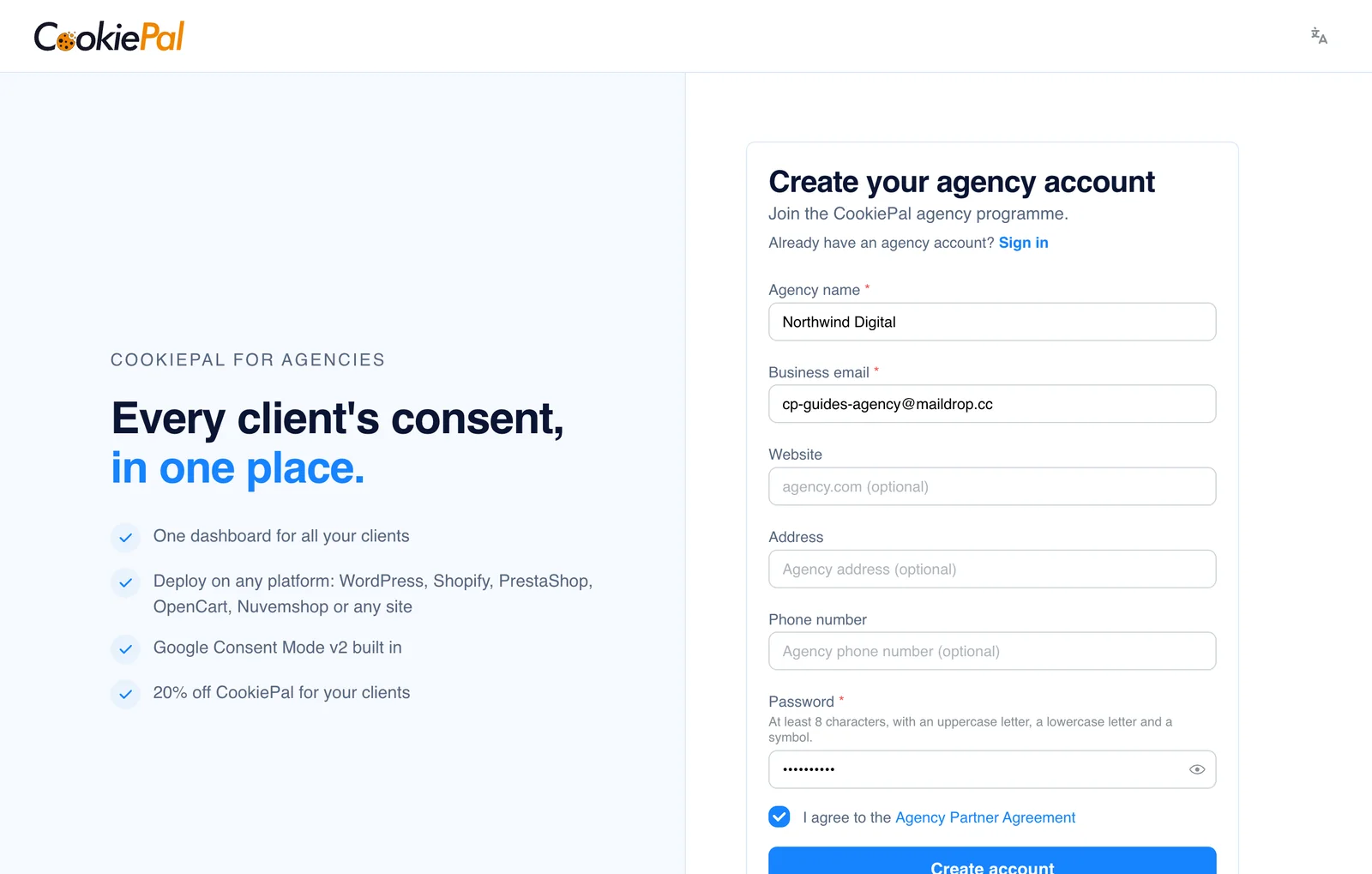
Go to the agency sign-up page and fill in the form:
- Agency name and Business email are required.
- Website, Address and Phone number are optional.
- Your Password needs at least 8 characters, with an uppercase letter, a lowercase letter and a symbol.
Accept the Agency Partner Agreement
Tick "I agree to the Agency Partner Agreement" and click "Create account". The agreement link opens it if you want to read it first. The agreement is only available in English.
Confirm Your Email
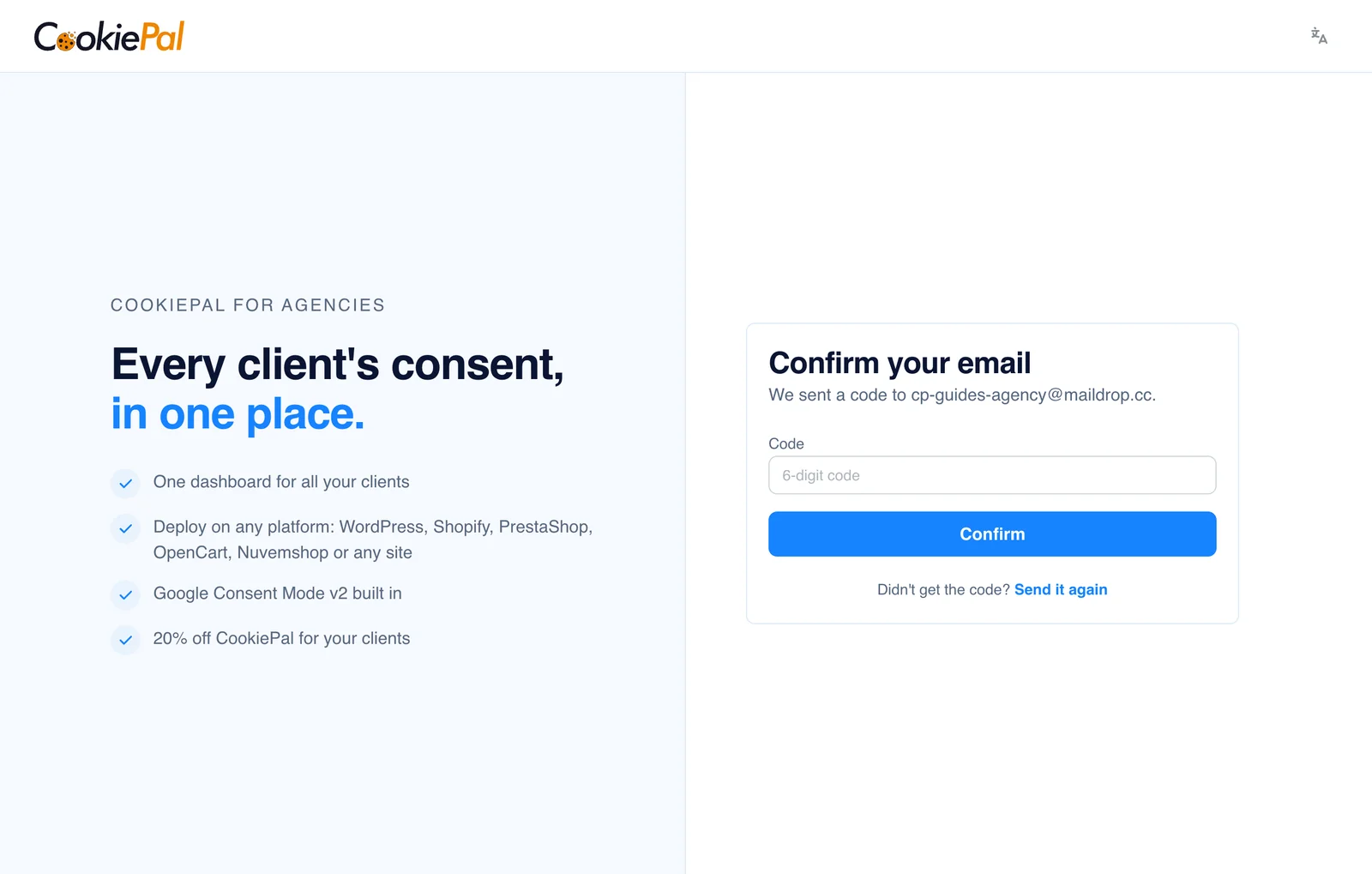
We email you a 6-digit code. Enter it on the "Confirm your email" screen and click "Confirm".
No email after a few minutes? Check your spam folder, then click "Send it again".
Start Using the Dashboard
Once confirmed, you land on your agency dashboard. Your partner code is ready, so you can start linking clients straight away. To sign in later, use the agency sign-in page.