

Agencies
Onboard and manage your clients from the agency dashboard.
Invite Team Members
Give your colleagues access to the agency dashboard.
Table of contents
back
to the top
Send the Invite
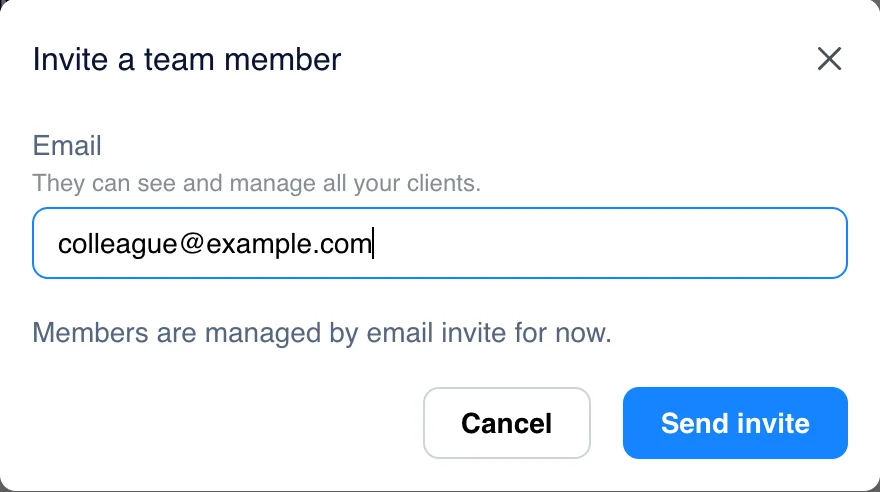
Click "Invite member" in the header. On a phone or a small screen, open the menu first. Enter your colleague's email and click "Send invite".
Members can see and manage all of your clients.
Your Colleague Signs In
Your colleague gets an email with a temporary password. The first time they sign in on the agency sign-in page, they choose their own password on the "Set your password" screen.
Remove a Member
Members are managed by email invite for now. To remove someone, email support@cookiepal.io from your agency's account email.