
Agencies
Onboard and manage your clients from the agency dashboard.
Manage Your Clients
Search, filter and sort your clients, and detach domains you no longer manage.
Table of contents
back
to the top
Find a Client
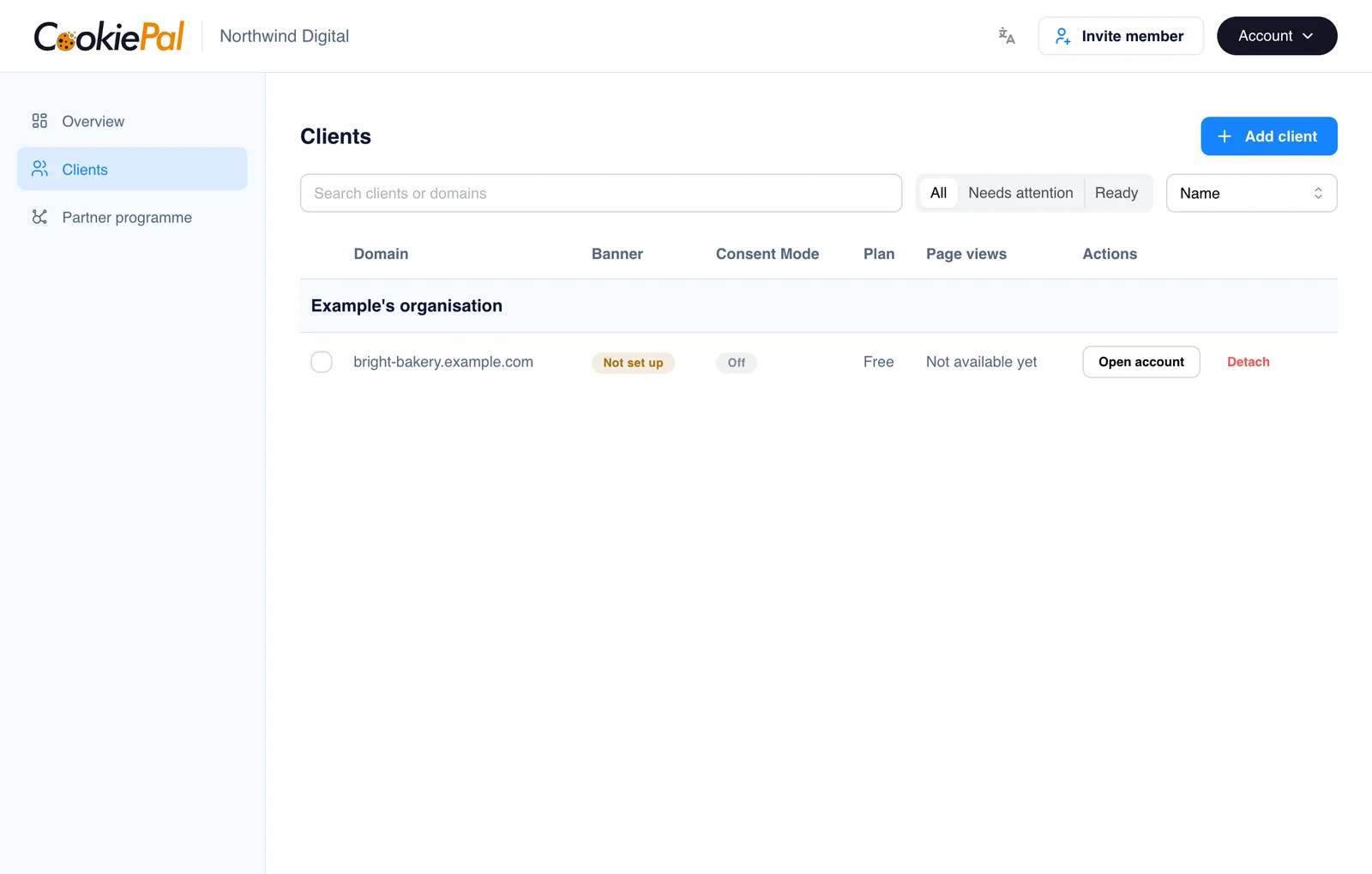
Open "Clients" in the sidebar. Each row is one client domain, with its Banner status, Consent Mode status and plan.
- Search by client name or domain.
- Filter by "All", "Needs attention" or "Ready".
- Sort by name, plan or status.
Detach a Domain
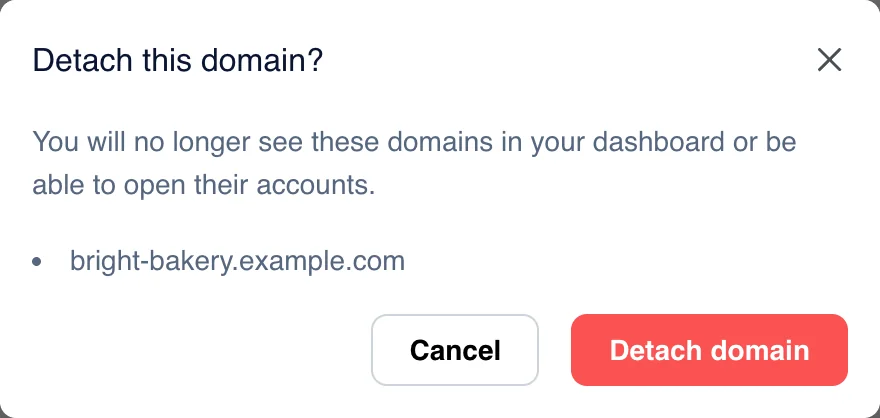
To stop managing a domain, click "Detach" on its row. To detach several at once, tick them and click "Detach selected". Confirm in the window that opens.
Once detached, the domain leaves your dashboard and you can no longer open its account. To link it again, the client enters your partner code again.