
Instalação
Instruções de instalação e configuração
Como adicionar um banner de cookies em um site Typo3
Neste guia, vamos mostrar como instalar a CookiePal em um site Typo3
Índice
Voltar
Voltar ao topo
A CookiePal ajuda você a garantir que seu aplicativo Typo3 esteja em conformidade com o GDPR, CCPA, LGPD e outras leis de privacidade, gerenciando o consentimento de cookies para seus usuários. Este guia orienta você nas etapas para integrar a CookiePal ao seu aplicativo Typo3.
Etapa 1: Crie uma conta CookiePal
If you do not yet have a CookiePal account or have not yet configured your banner, follow the steps below.
1. Sign up for CookiePal.

2. After confirming your email, you will be directed to the setup screen. Choose your setup option.
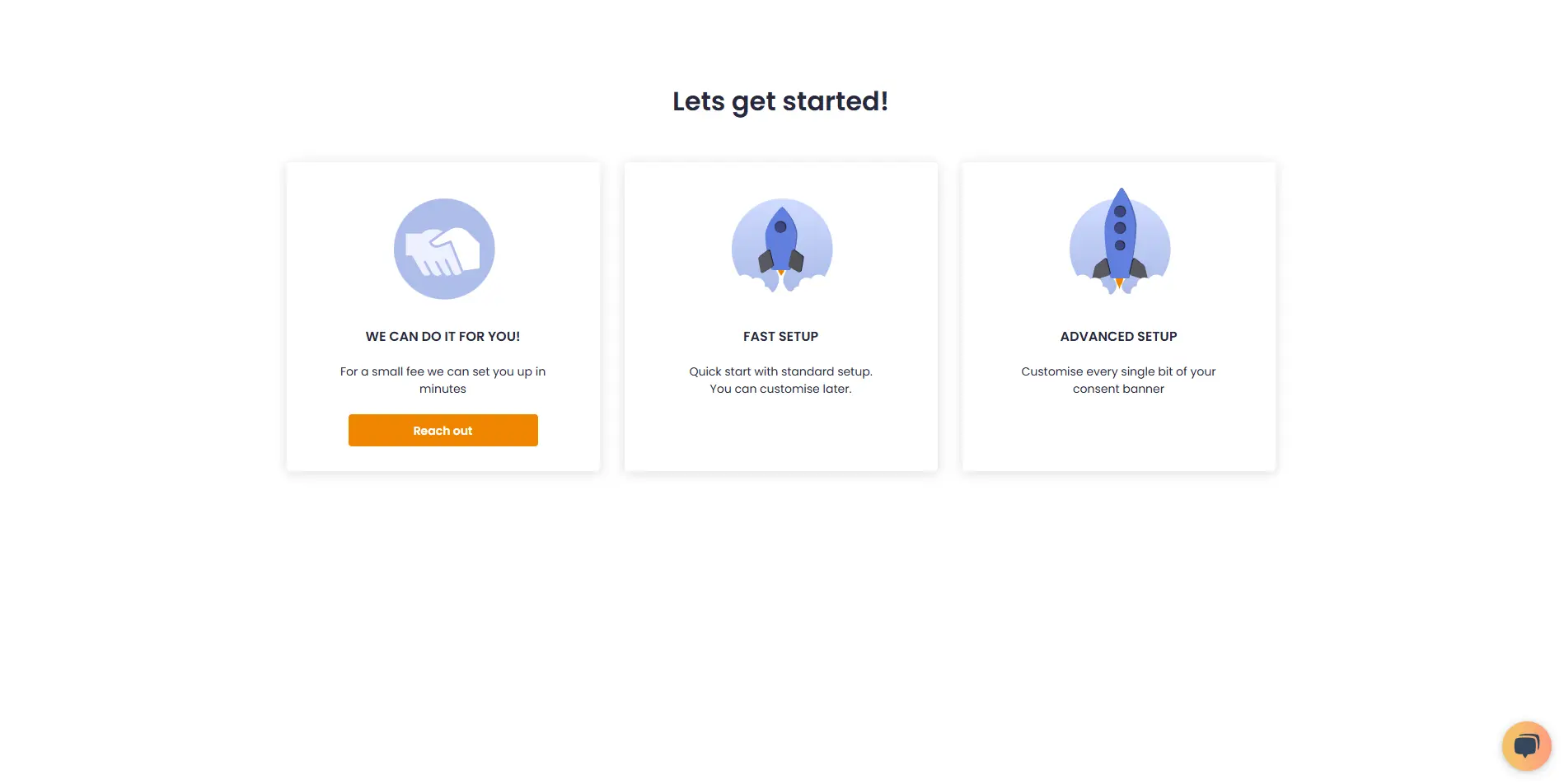
• We can do it for you!: Select this option to let our team handle the setup for a small fee.
![• [We can do it for you!:bold]: Select this option to let our team handle the setup for a small fee.](/_next/static/media/we-can-do-it-for-you.e1c36463.webp)
• Fast Setup: Quickly configure your banner by selecting its position and colors. You can still customise other details later in customisations.
![• [Fast Setup:bold]: Quickly configure your banner by selecting its position and colors. You can still customise other details later in [customisations:https://app.cookiepal.io/customisation].](/_next/static/media/customise-banner-colors-and-positions.5ac76d26.webp)
• Advanced Setup: Customise every detail of your banner. In addition to position and colors, you can edit the content and default language, and adjust the logo's colors and position.
![• [Advanced Setup:bold]: Customise every detail of your banner. In addition to position and colors, you can edit the content and default language, and adjust the logo's colors and position.](/_next/static/media/customise-banner-content.49d06789.webp)
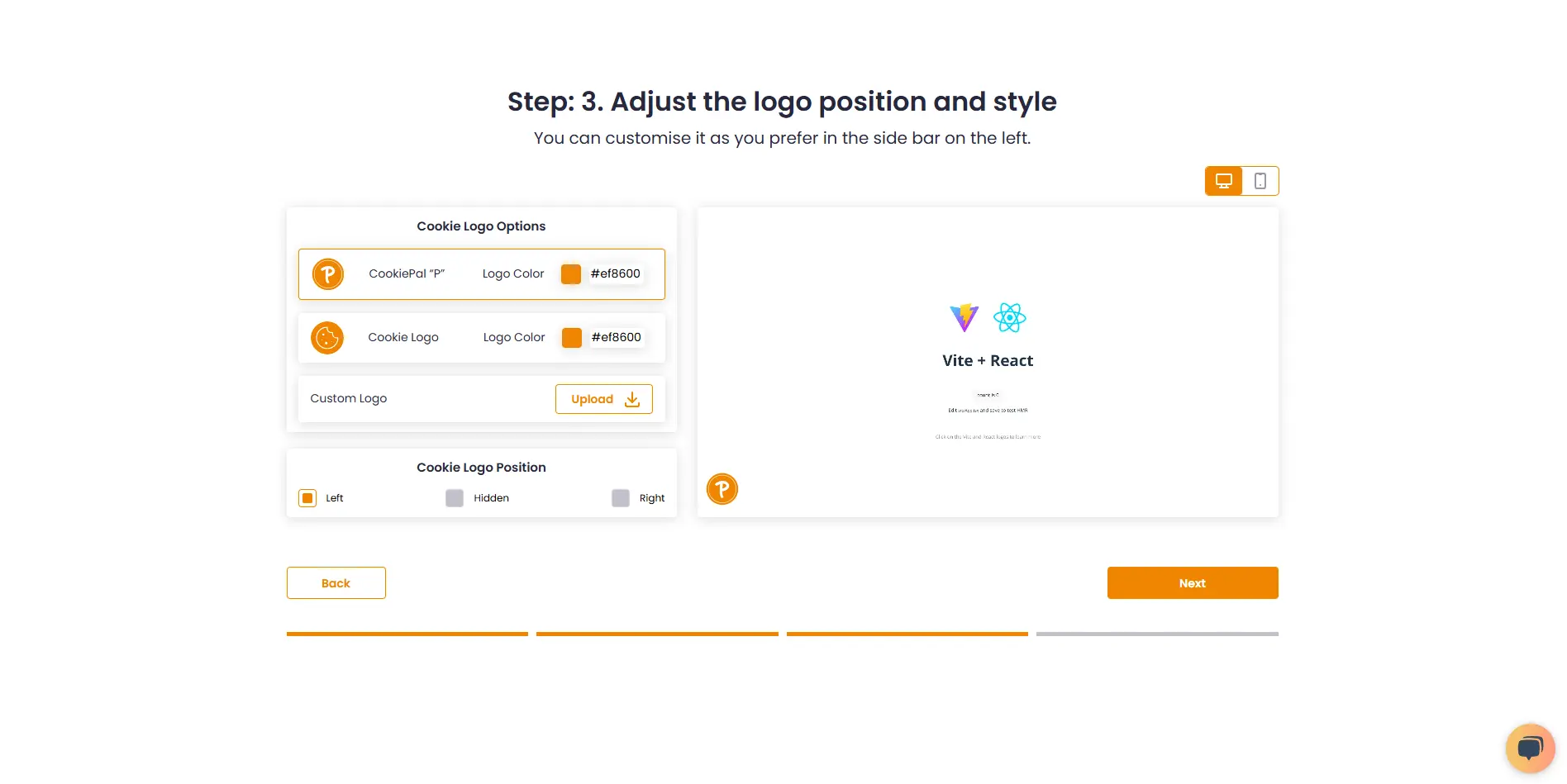
4. Choose your preferred installation method and complete the setup.
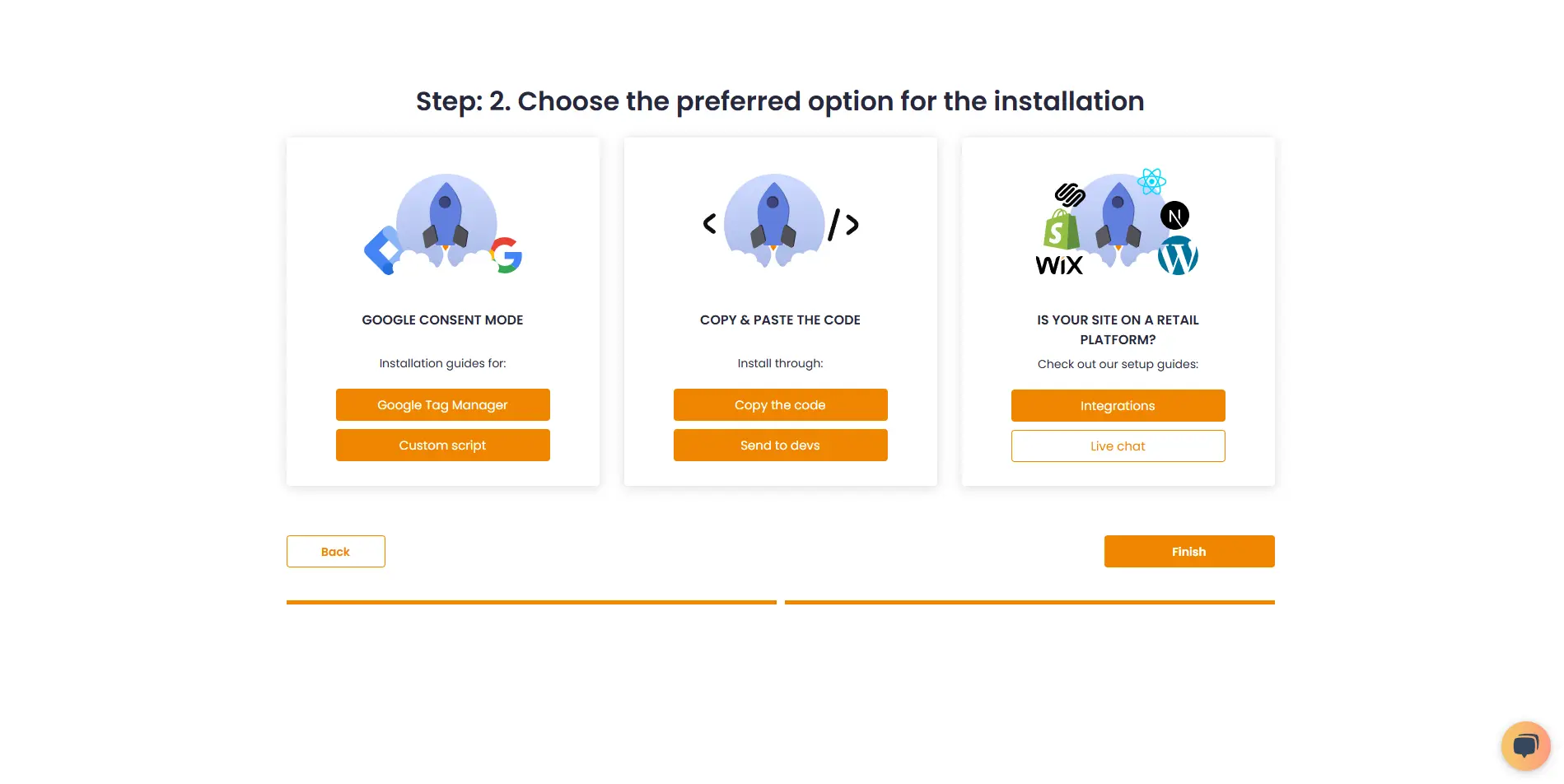
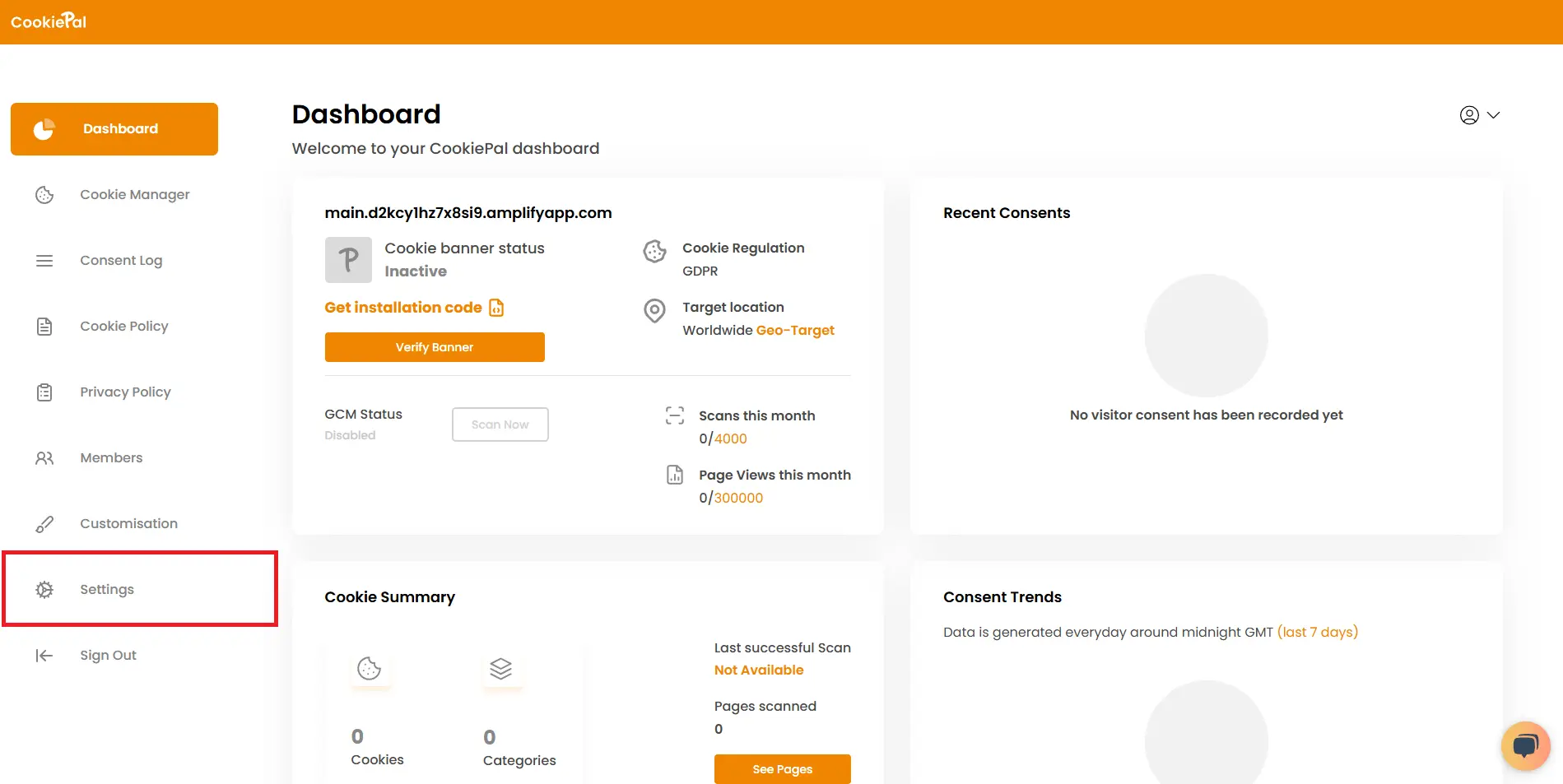
7. Vá para as configurações.
8. Copie o ID do seu site
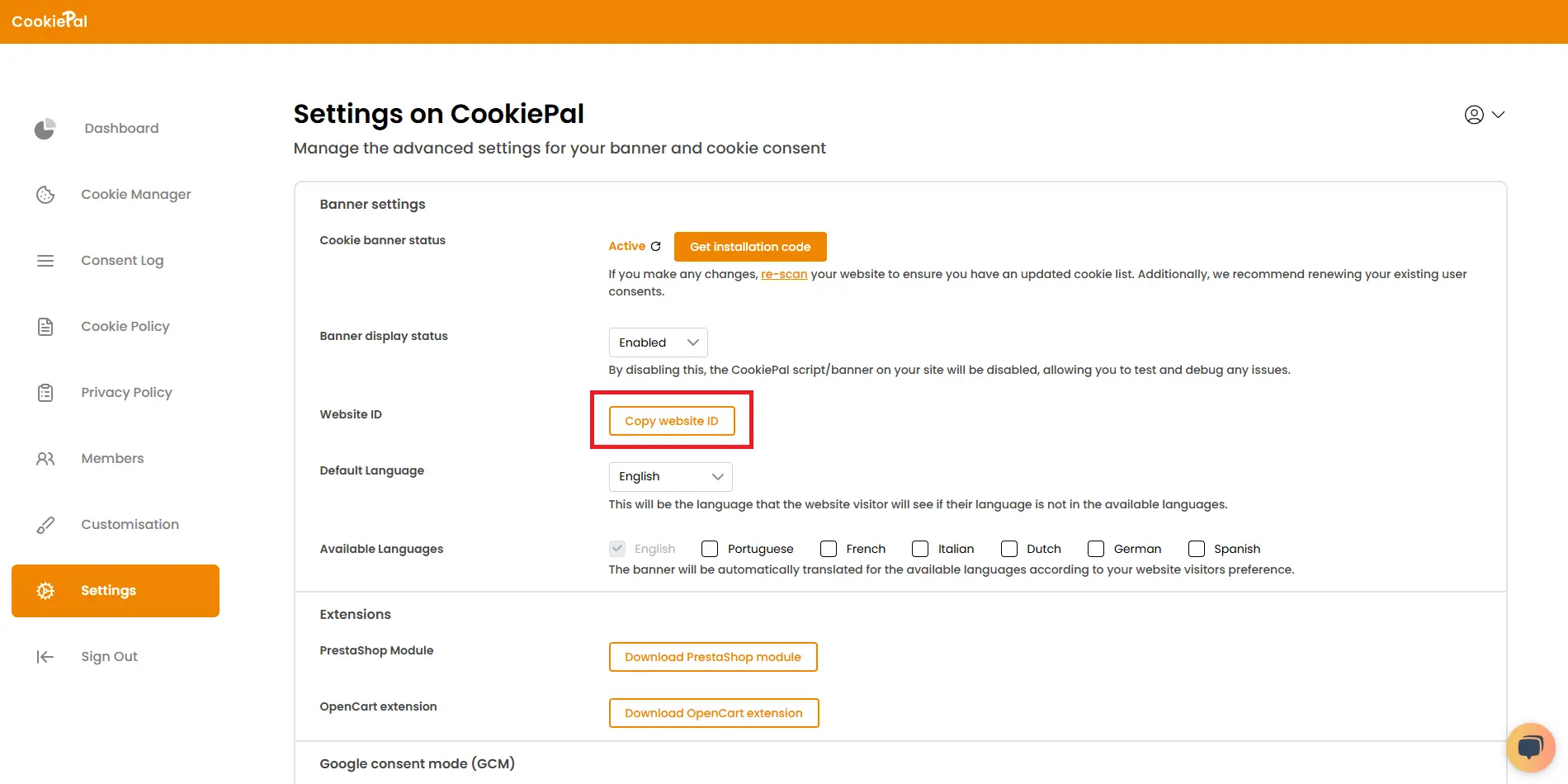
9. Baixe a extensão TYPO3 CookiePal nas configurações ou diretamente com este link de download do TYPO3
![9. Baixe a extensão TYPO3 CookiePal nas configurações ou diretamente com este [link de download do TYPO3:https://cookiepal-assets.s3.us-east-1.amazonaws.com/cookiepal_integration_v4.zip:#EF8600:bold]](/_next/static/media/download_typo3_extension.58057cc0.webp)
Etapa 2: Instale e configure a extensão TYPO3
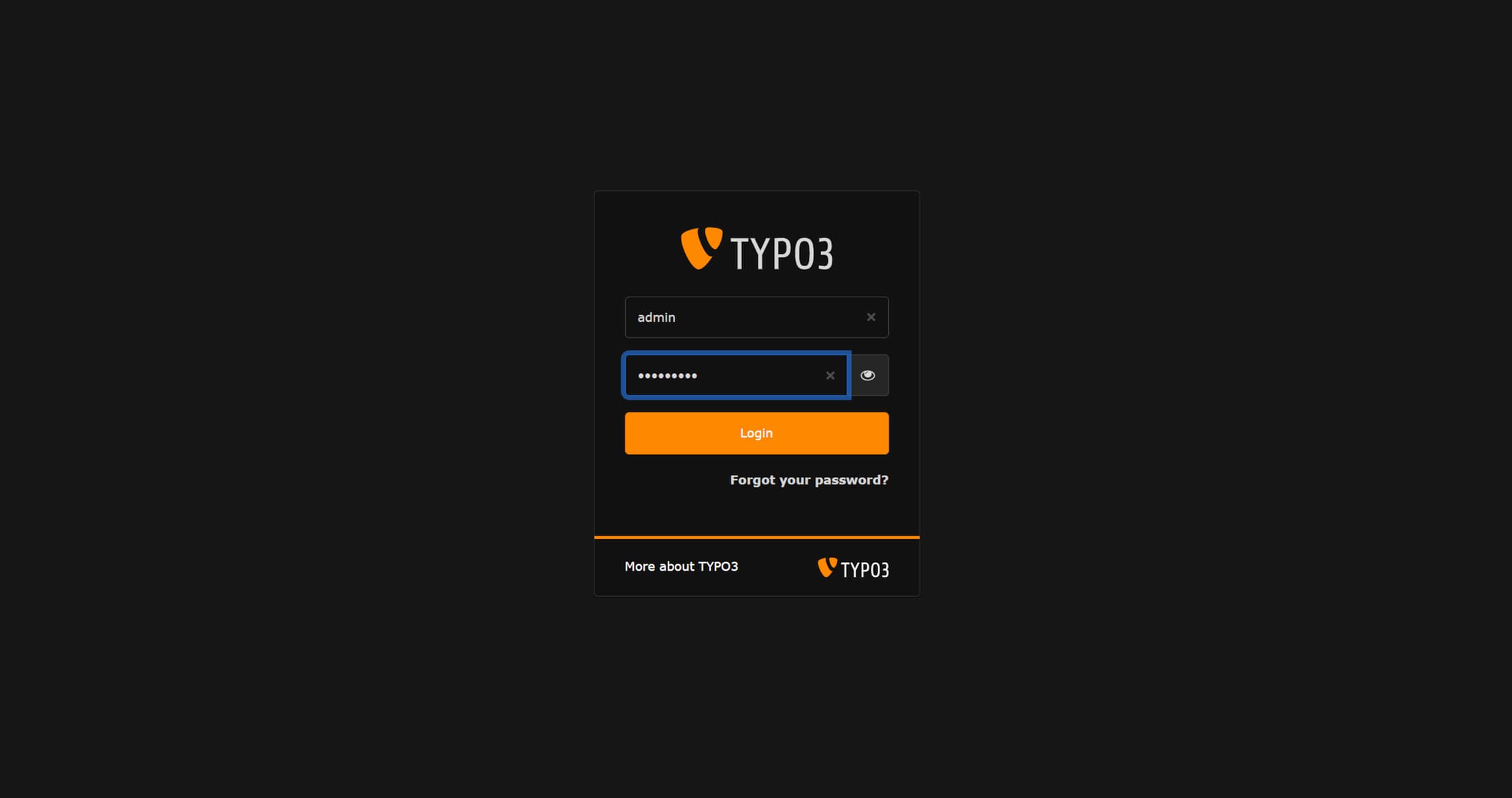
1. Faça login no painel de administração do TYPO3
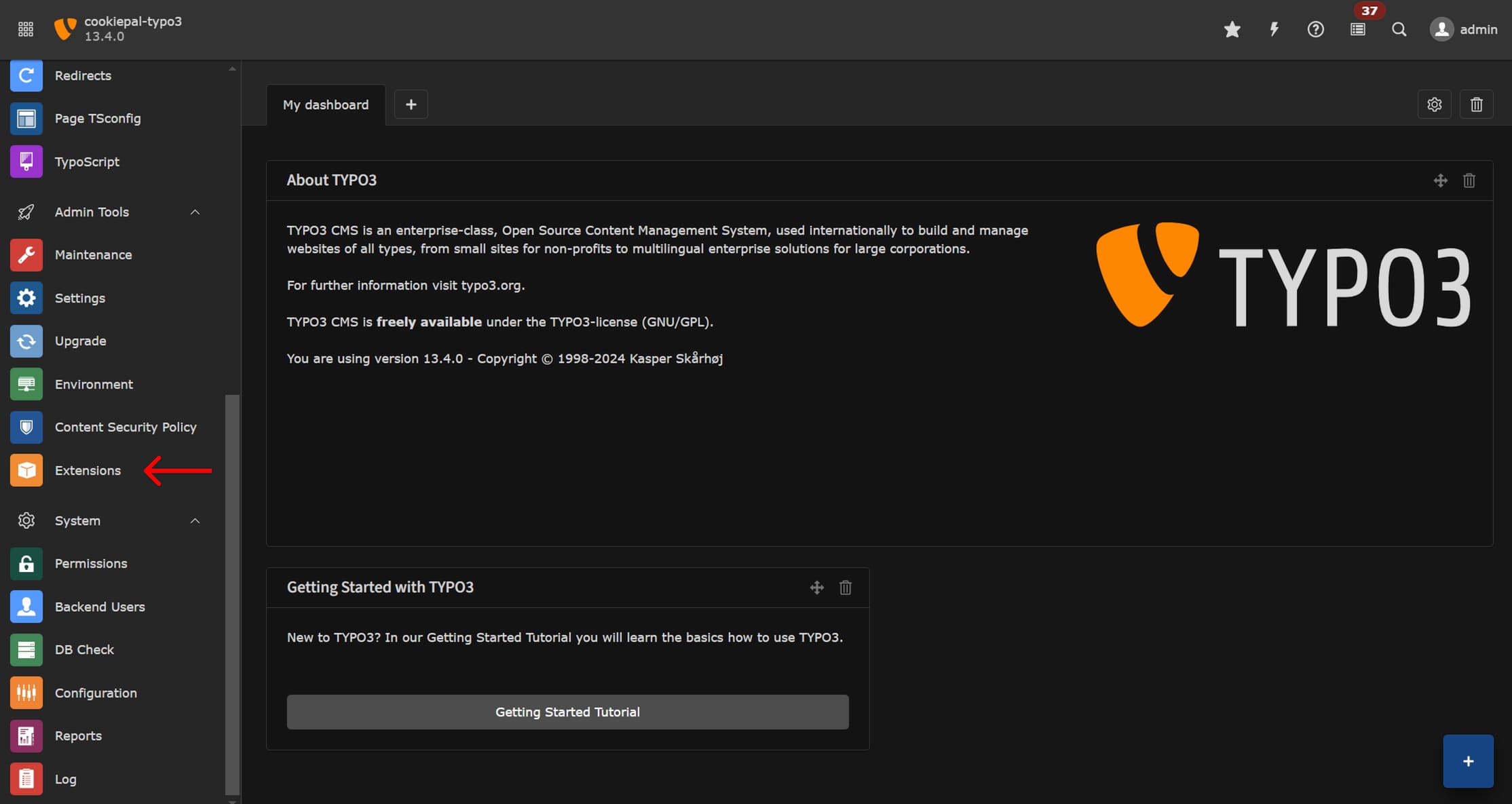
2. Na barra lateral, vá para Ferramentas administrativas > Extensões
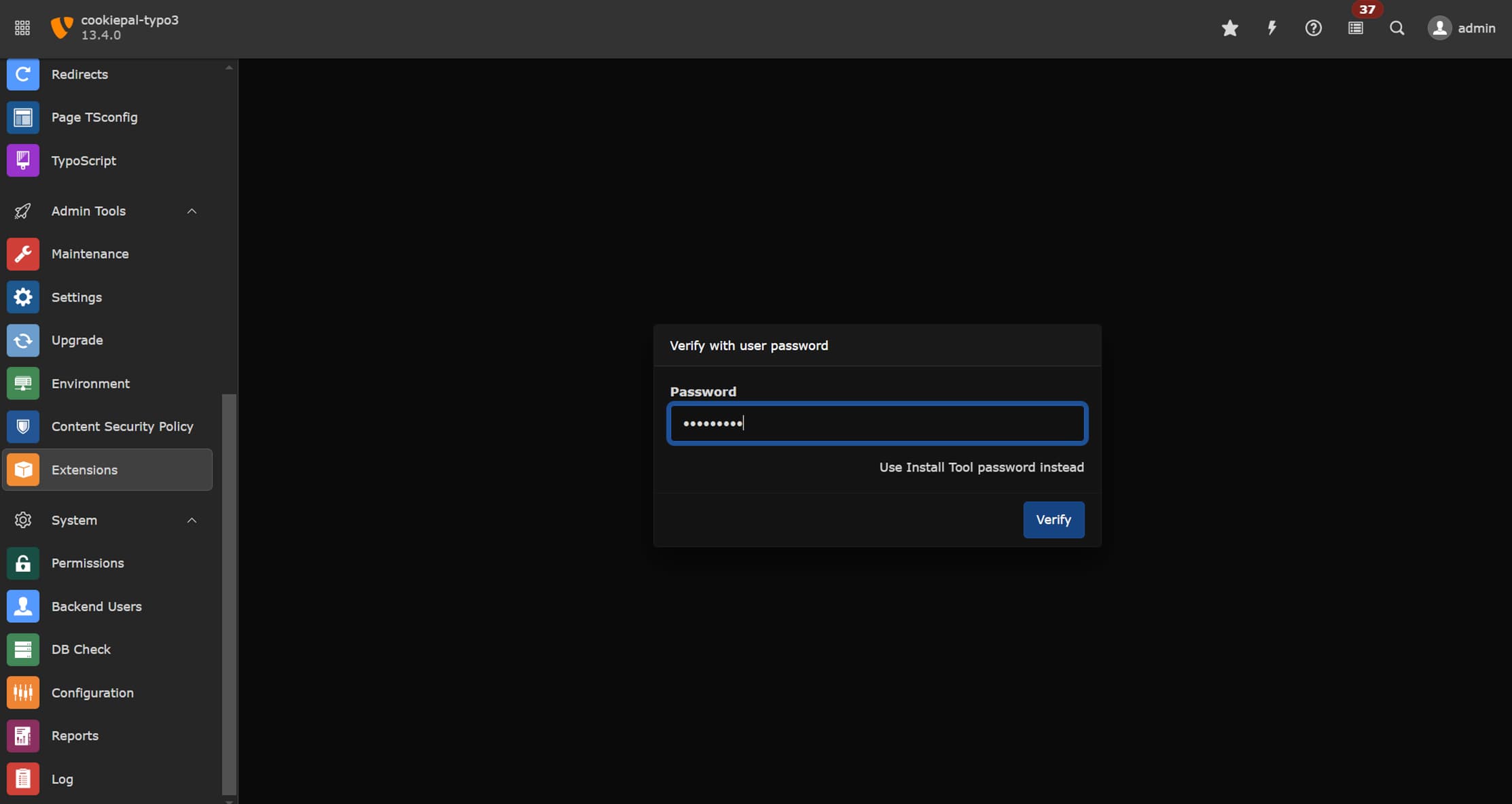
3. Confirme sua senha
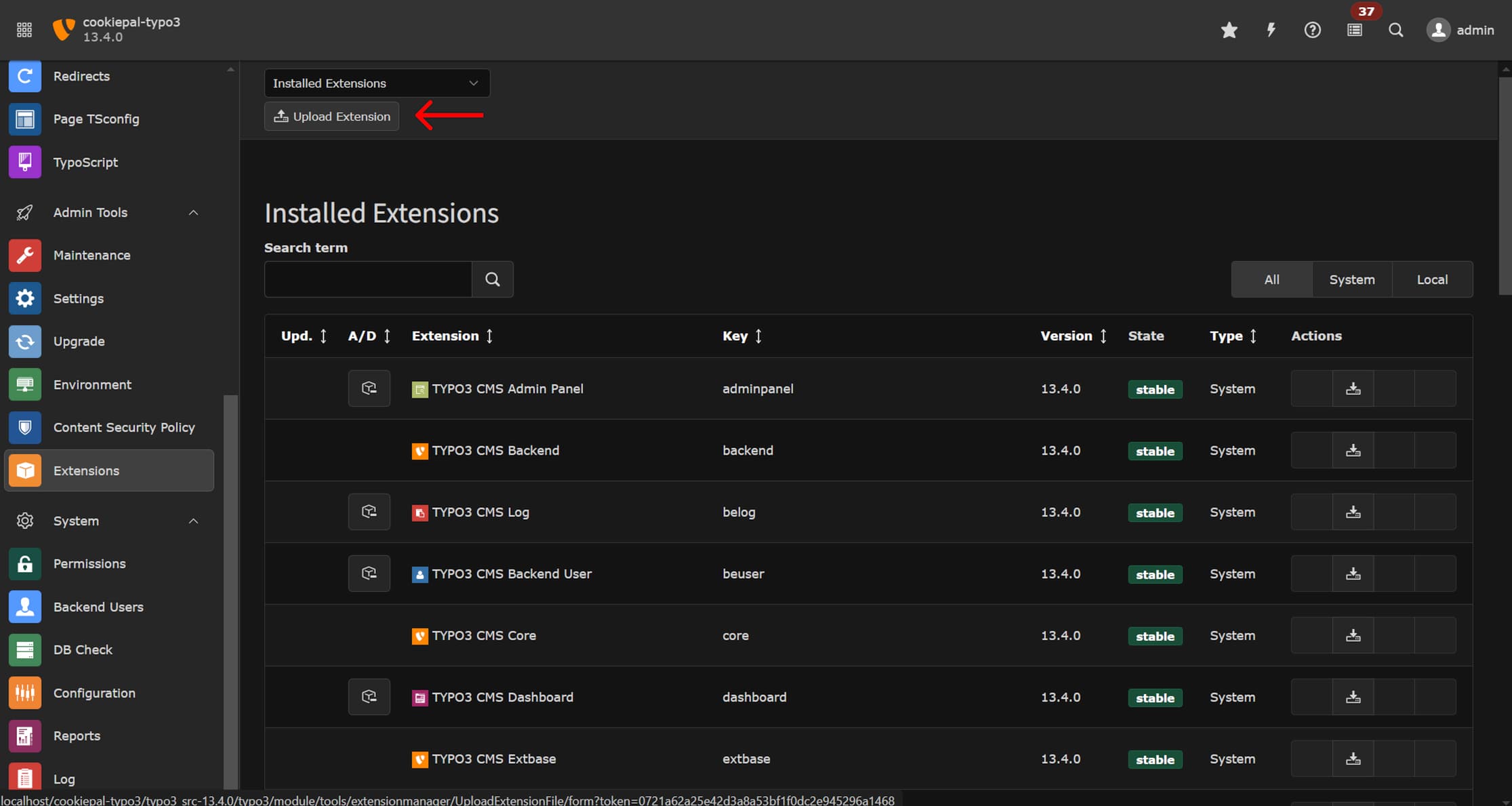
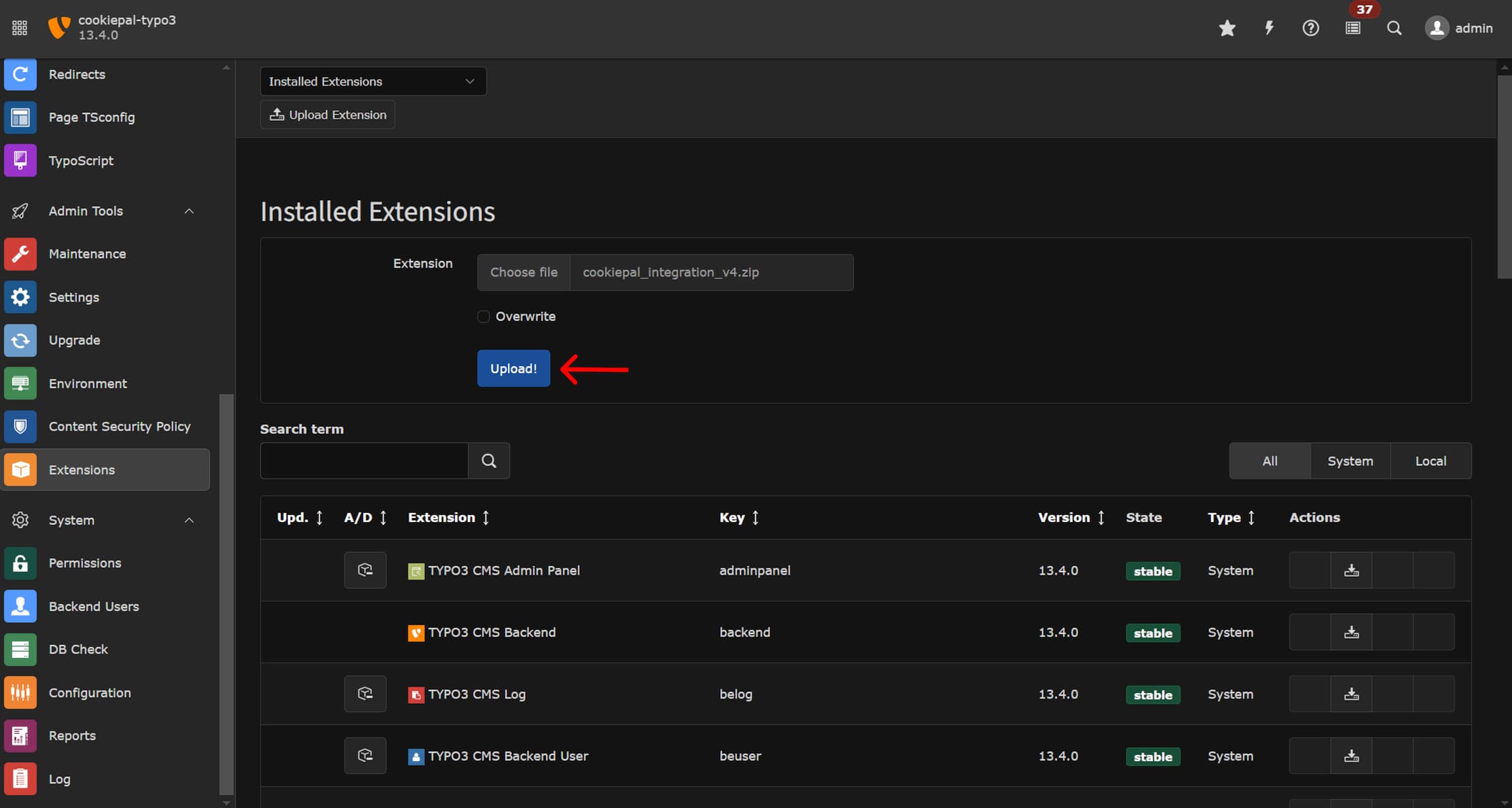
4. No canto superior esquerdo, clique em ‘Carregar extensão’
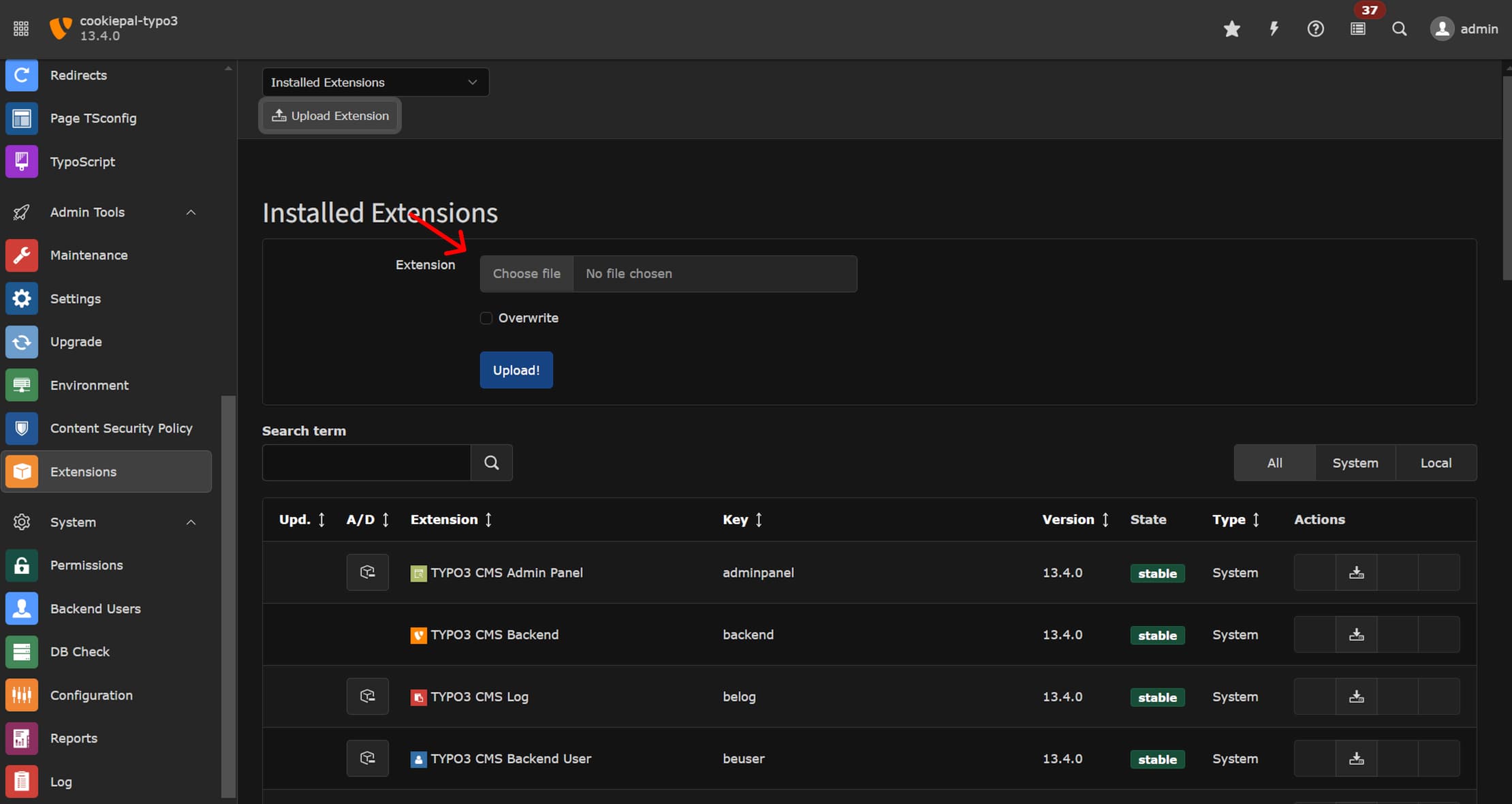
5. Clique em 'Escolher arquivo
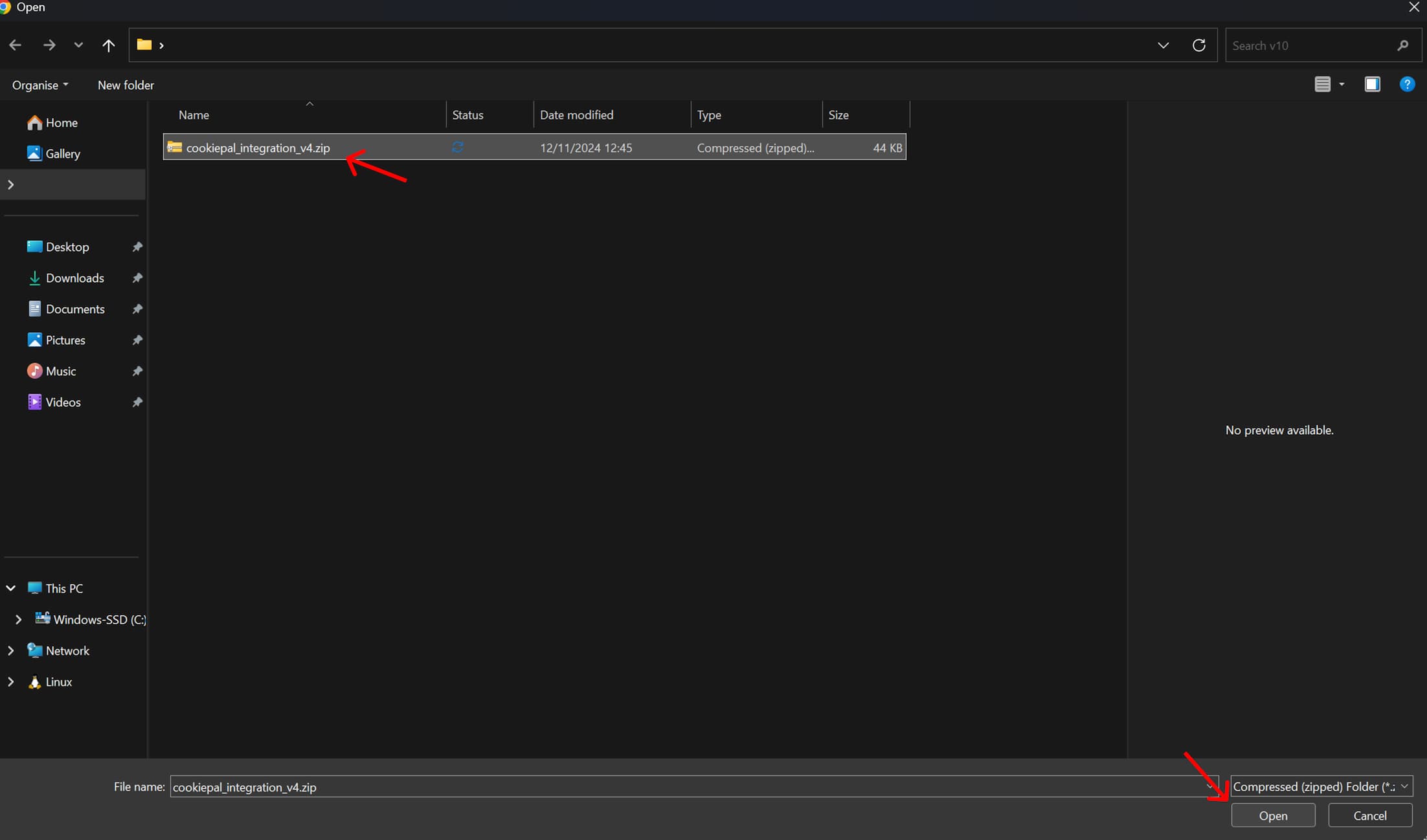
6. Selecione a extensãa CookiePal TYPO3 baixada anteriormente (arquivo zip) e clique em 'abrir'
7. Clique em ‘Carregar’
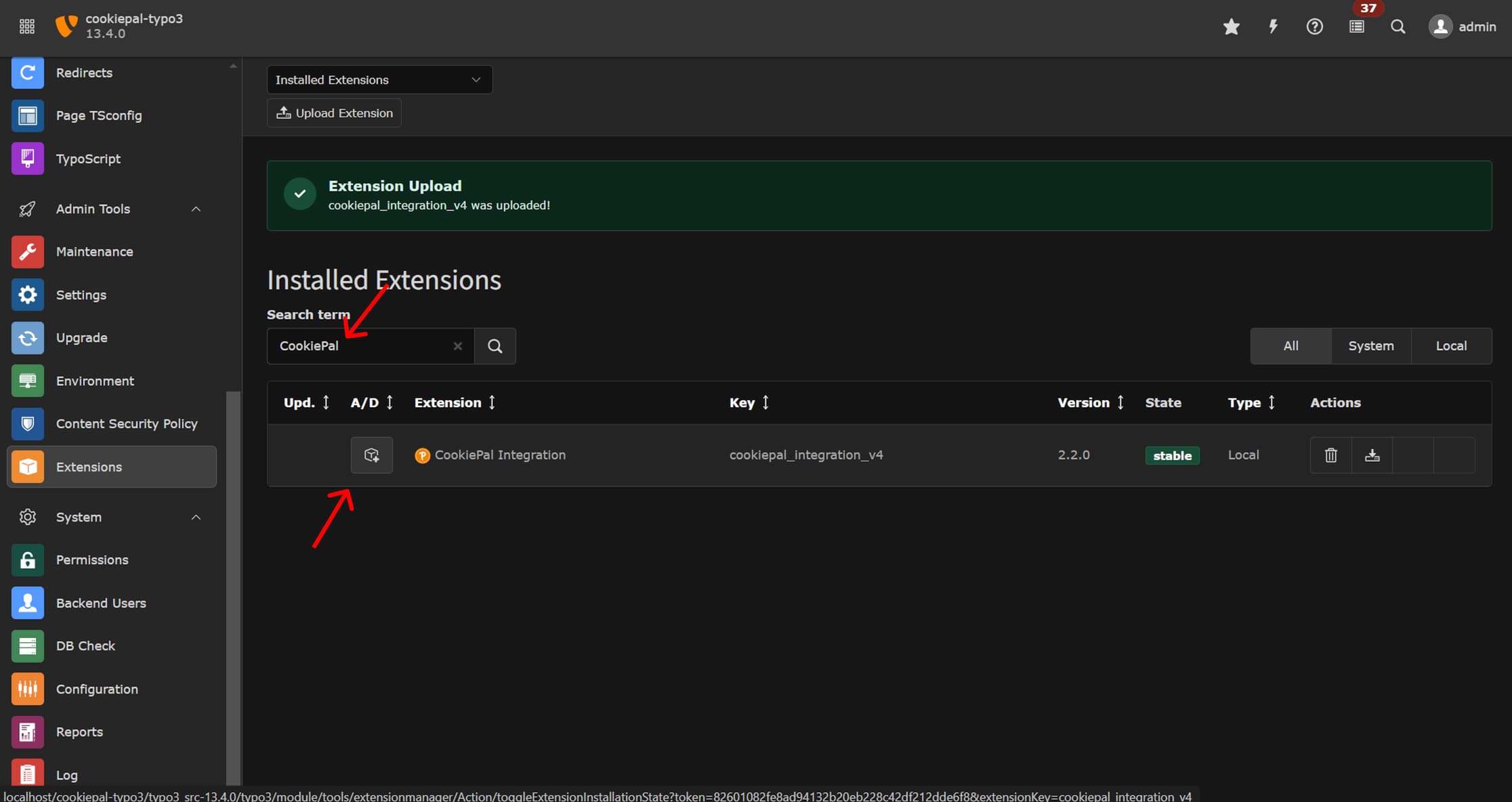
8. Após o upload da extensão. Procure por 'CookiePal' na aba de pesquisa e clique no botão à esquerda para ativar a extensão
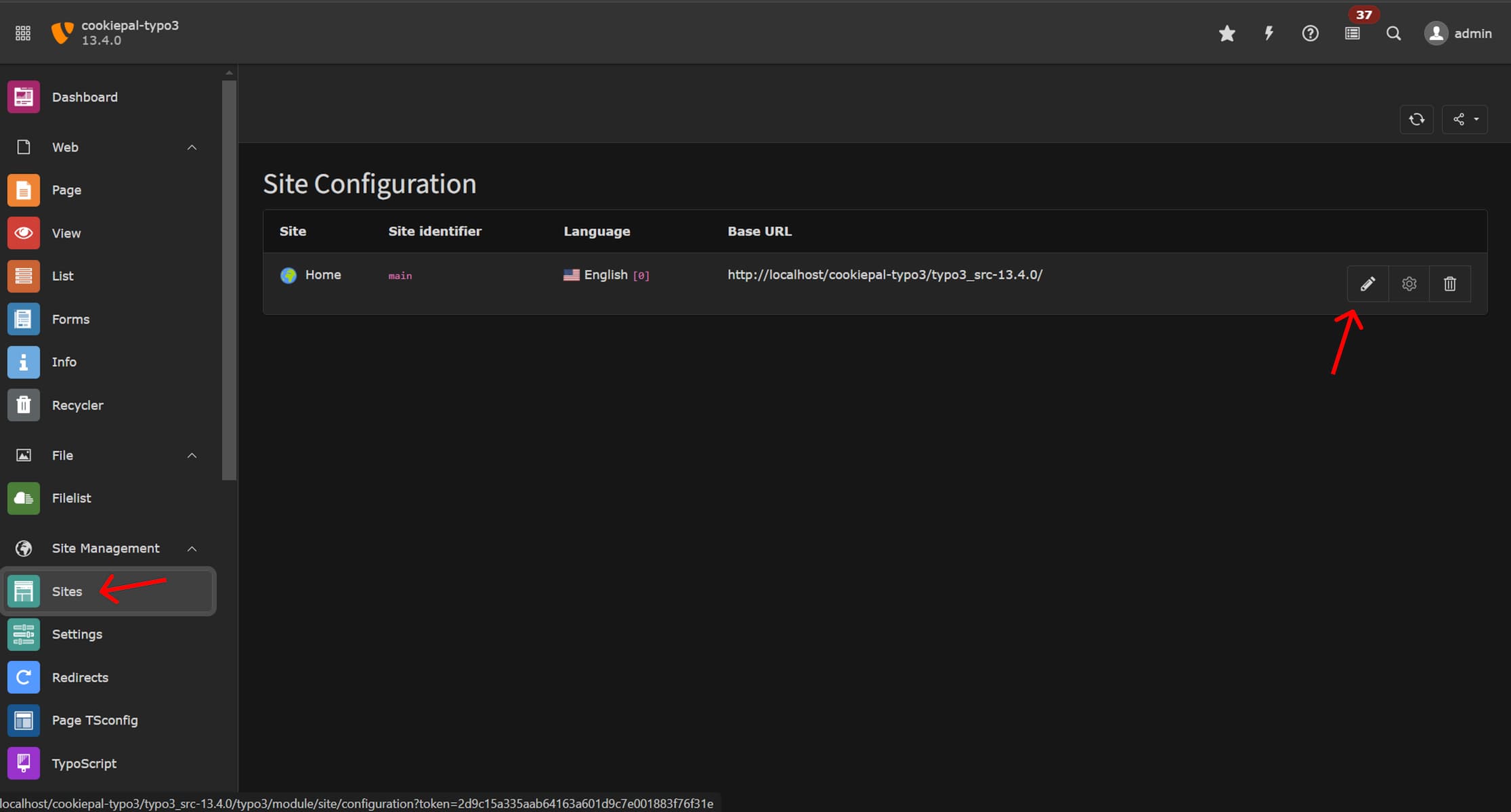
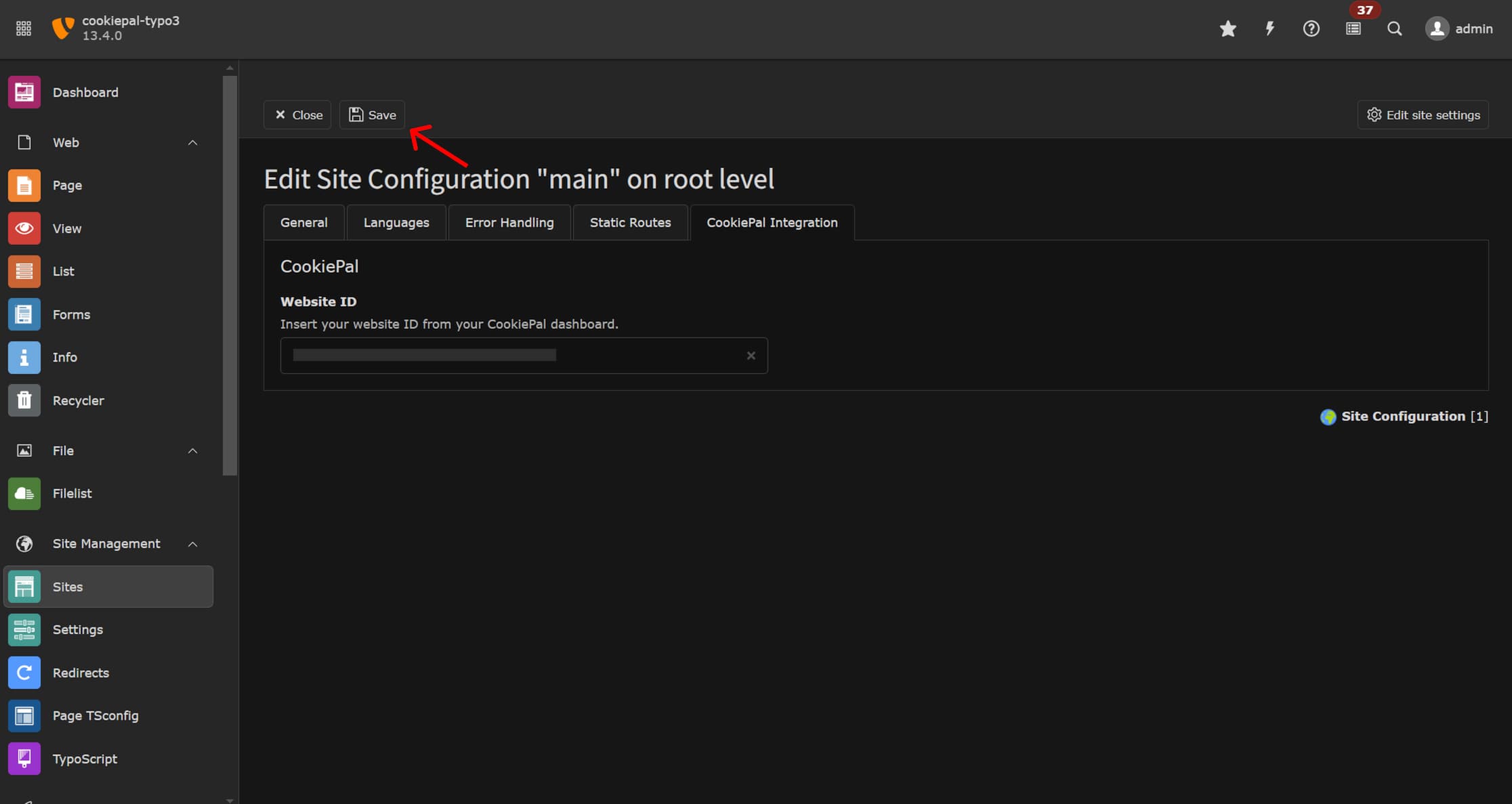
9. Na barra lateral, vá em Gerenciamento de Site > Sites e clique no botão editar no site que deseja integrar aa CookiePal
10. Vá para a guia 'Integração CookiePal' e cole o ID do site que você copiou anteriormente do painel CookiePal
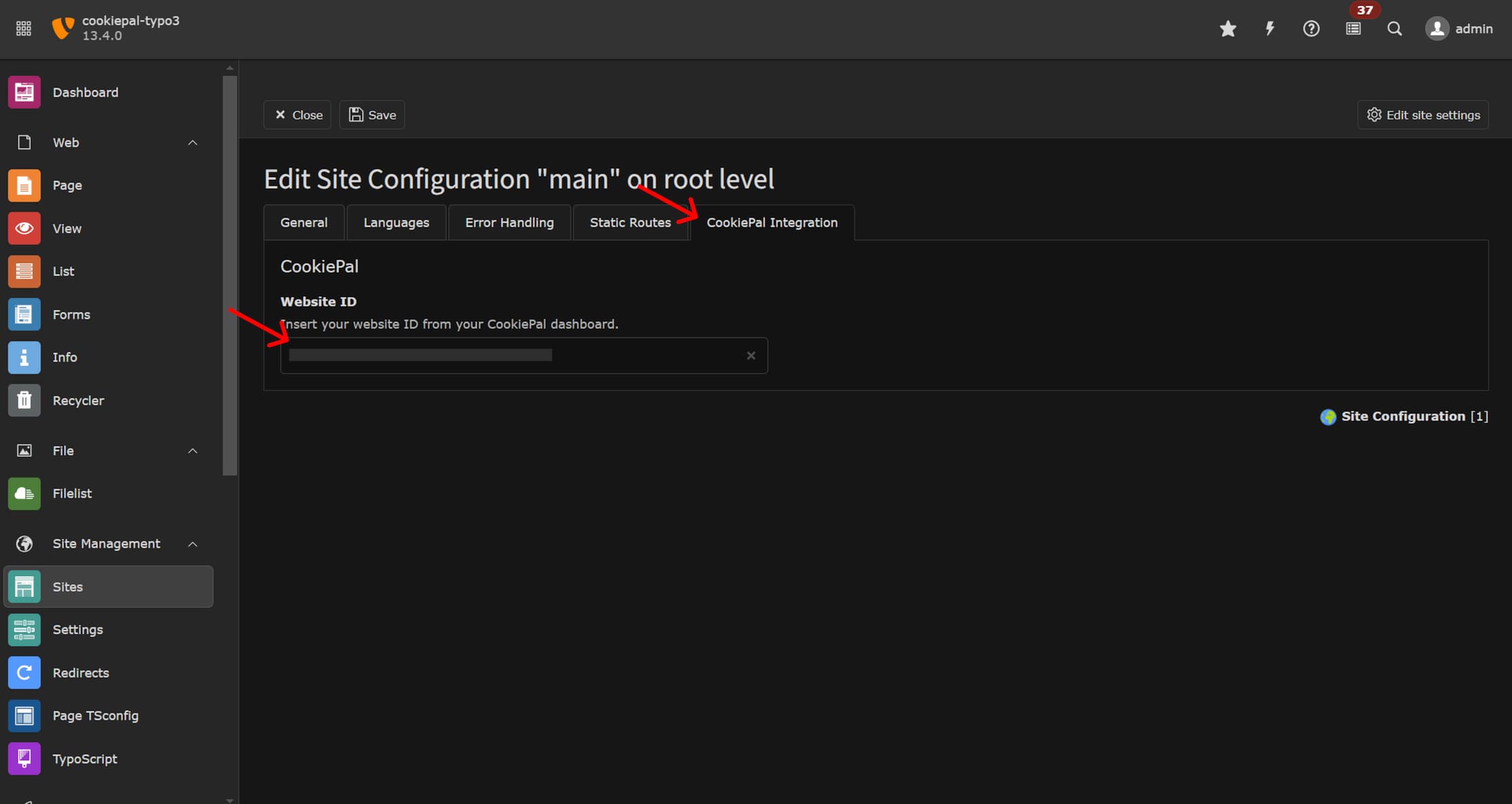
11. Clique no botão ‘Salvar’ para salvar suas alterações
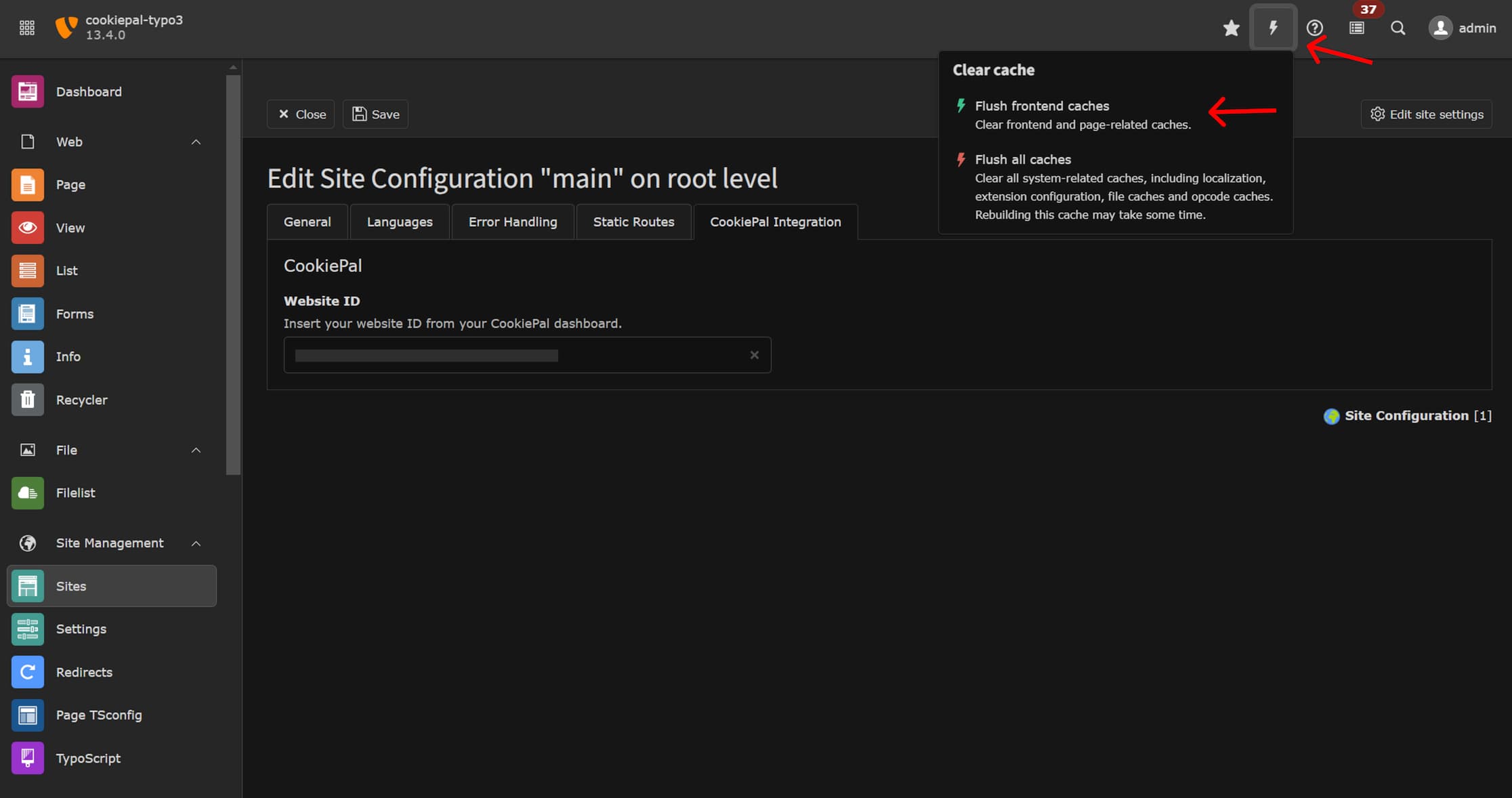
12. Na barra de navegação superior, clique no ícone de relâmpago e em ‘Liberar caches de frontend’ para garantir que suas alterações estejam atualizadas
A extensão TYPO3 instala o banner da CookiePal e oferece suporte a fluxos de consentimento para GDPR, LGPD e CCPA quando o painel da CookiePal está configurado para as regiões-alvo do site.
Etapa 3: verificar a integração
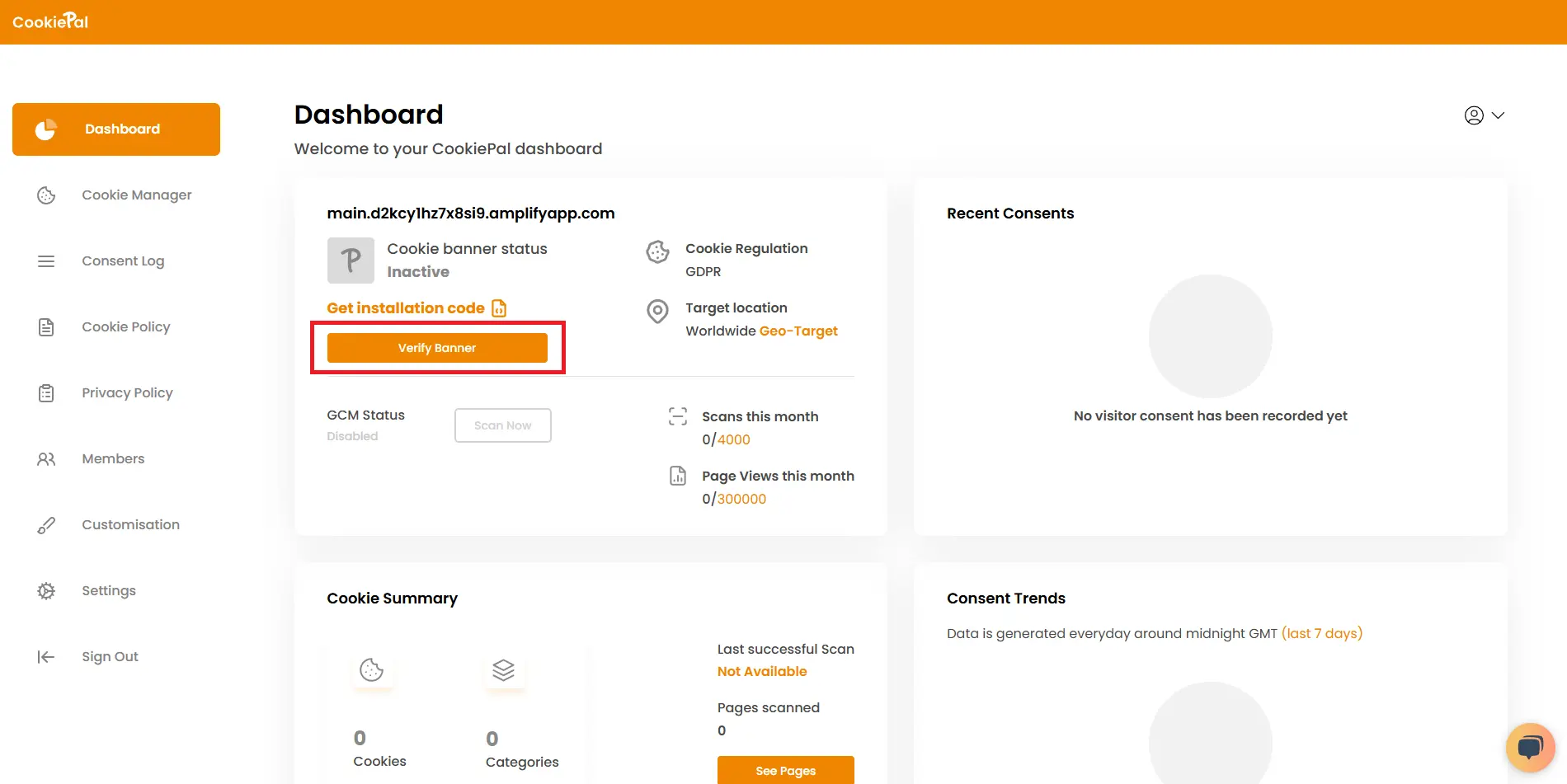
Para confirmar a integração da CookiePal no seu site TYPO3, acesse o painel da CookiePal e verifique seu banner.
Verifique seu banner em CookiePal.